
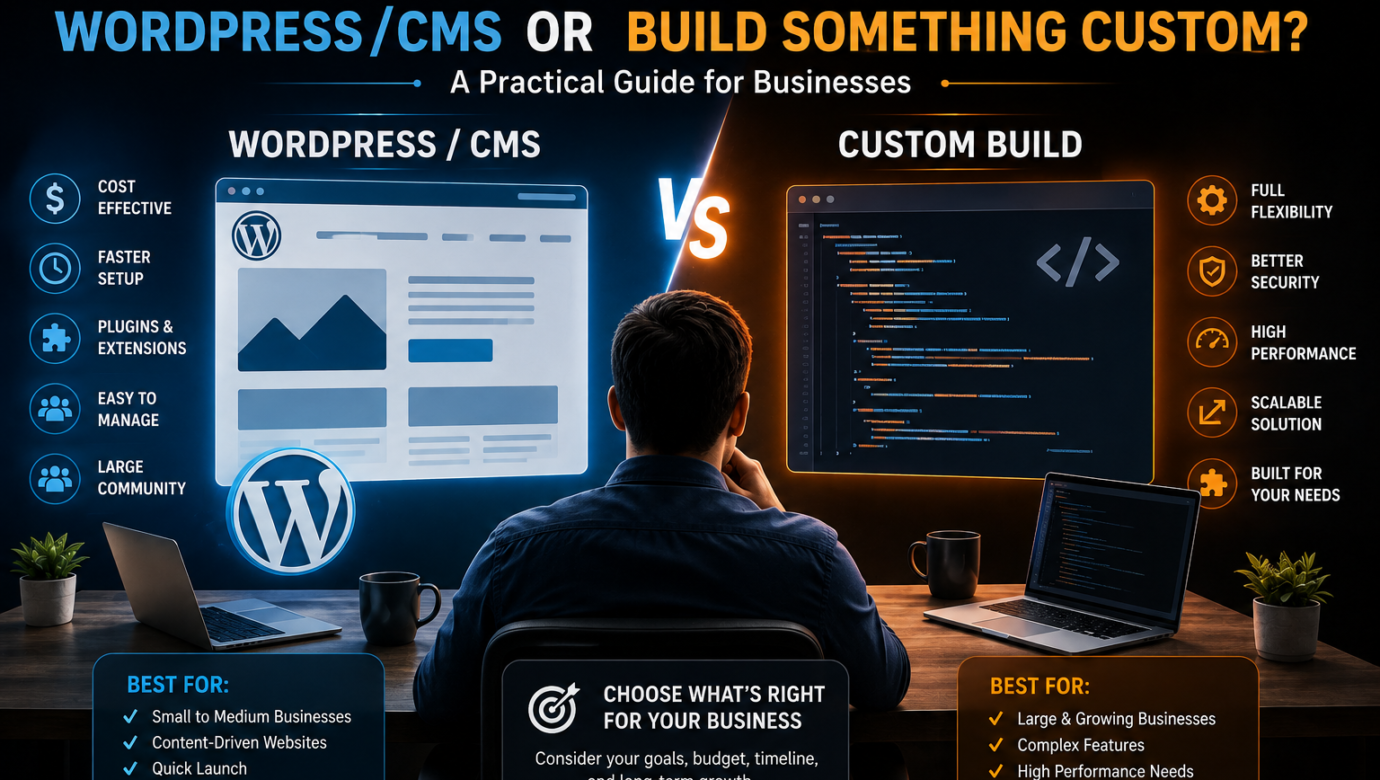
Should You Use WordPress/CMS or Build Something Custom? A Practical Guide for Businesses
Choosing how to build your website sounds simple until you start comparing your options.
Should you use WordPress? Would another CMS be better? Do you need custom web development? Is a cheaper website going to create problems later? And if your website needs to generate leads, sell products, connect with other systems, or support a growing business, how do you know which approach is actually right?
These questions matter because your website is not just an online brochure. For many businesses, it is the first step in the customer journey.
A poorly chosen platform can create problems with performance, SEO, security, scalability, maintenance, and lead generation. On the other hand, paying for a fully custom website when a CMS could have solved the problem can unnecessarily increase your development cost and project timeline.
The right answer is not “WordPress is better” or “custom development is better.”
The right answer is:
Choose the simplest technology that can reliably solve your current business problem while giving you enough room to grow.
This guide explains how to make that decision.
WordPress/CMS vs Custom Development: What Is the Difference?
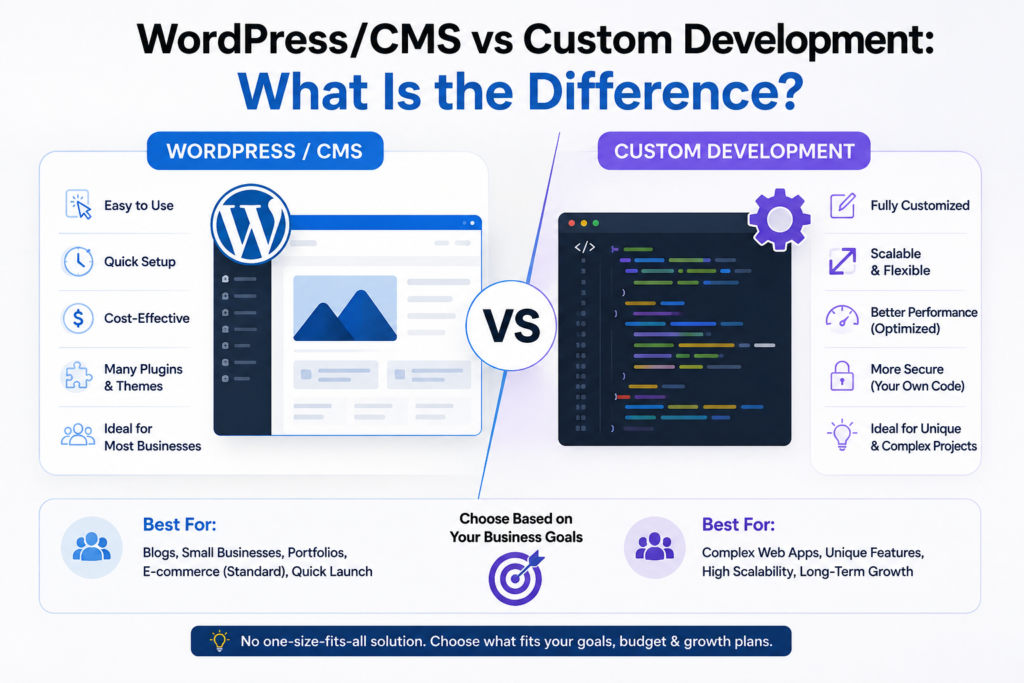
Before choosing between them, it helps to understand what you are actually buying.
A CMS (Content Management System) allows businesses to create, manage, and update website content without depending on a developer for every small change.
WordPress is one of the most widely used CMS platforms. Other CMS options exist, but the basic concept is similar: the underlying system provides functionality for managing pages, content, users, media, and other website elements.
With custom web development, developers build functionality specifically around your business requirements.
Instead of adapting your business to an existing platform, the technology can be designed around the way your business operates.
For example:
A consulting company that needs service pages, blogs, enquiry forms, testimonials, and landing pages may not need a custom application.
But a company that needs a customer dashboard, complex pricing engine, internal workflow, third-party integrations, automated calculations, and user-specific access may have requirements that go beyond a typical CMS website.
The decision therefore starts with your business requirements, not your preferred technology.
When WordPress or a CMS Is the Better Choice
For many businesses, a CMS is the most practical starting point.
You may want a CMS if your website primarily needs to:
- Explain your products or services
- Generate enquiries
- Publish articles
- Create landing pages
- Display case studies
- Collect leads
- Showcase your portfolio
- Manage regular content updates
- Support SEO
- Provide basic ecommerce functionality
- Allow non-technical employees to update content
For these businesses, building everything from scratch may solve problems that do not actually exist.
Example: A Lead Generation Website
Imagine a digital marketing company wants a website containing:
- Home page
- About page
- Service pages
- Industry pages
- Blog
- Case studies
- Contact form
- Lead magnets
- Landing pages
- Analytics
- SEO tools
There is usually little reason to build a completely custom content management system simply to manage these requirements.
A well-planned CMS website can provide the foundation, while development resources can be focused on what actually matters:
traffic → landing page → enquiry → qualified lead → customer
That distinction is important.
Your technology should support your business model rather than becoming the business model.
When Custom Web Development Makes More Sense

Custom development becomes more attractive when your requirements are unusual, complex, or tightly connected to your internal business processes.
Consider custom development when your website needs functionality such as:
- Complex user accounts
- Customer dashboards
- Advanced booking systems
- Custom calculators
- Marketplace functionality
- SaaS features
- Complex workflows
- Large-scale integrations
- Custom APIs
- Advanced reporting
- Role-based access
- Highly specialized databases
- Complex automation
- Unique business logic
For example, suppose a company operates a platform where customers log in, enter information, receive personalized calculations, make payments, track orders, and interact with different departments.
That is no longer simply a content website.
It is becoming a web application.
In such cases, forcing everything into a basic CMS can create unnecessary complexity.
A custom web application may provide a cleaner long-term architecture.
The Biggest Mistake: Choosing Technology Before Defining the Problem
One of the most common mistakes businesses make is starting the conversation with:
“Should we build this in WordPress or custom code?”
That is the wrong first question.
Start with:
“What does the website need to accomplish for the business?”
Then ask:
1. Who will use the website?
Is it primarily:
- Potential customers?
- Existing customers?
- Employees?
- Vendors?
- Partners?
- Multiple user groups?
2. What will users actually do?
Will visitors simply read information?
Or will they:
- Create accounts?
- Upload documents?
- Book services?
- Make payments?
- Compare products?
- Generate quotes?
- Track orders?
- Access dashboards?
- Interact with personalized data?
3. How frequently will content change?
If your marketing team needs to publish blogs, update services, create landing pages, and change website copy regularly, a CMS can provide significant operational value.
4. What happens as the business grows?
A website should not only solve today’s problem.
You should also ask:
What functionality might we need 12–24 months from now?
This prevents both overengineering and expensive rebuilding.
WordPress/CMS vs Custom: The Real Business Trade-Off
The decision becomes easier when you stop looking only at technology and start looking at business trade-offs.
| Factor | CMS / WordPress | Custom Development |
|---|---|---|
| Initial development | Usually faster | Usually slower |
| Initial cost | Often lower | Often higher |
| Content management | Excellent | Must be built/configured |
| Custom functionality | Moderate to high | Very high |
| Flexibility | Depends on platform/setup | Extremely high |
| Marketing pages | Easy to manage | Requires planning/build |
| SEO management | Strong with proper setup | Can be strong if developed correctly |
| Maintenance | Platform/plugin dependent | Developer dependent |
| Scalability | Depends on architecture | Can be designed specifically for scale |
| Unique business logic | Limited by architecture | Excellent |
| Development expertise | Widely available | Specialized expertise may be required |
These are general comparisons, not guarantees.
A badly configured WordPress website can be slow and difficult to maintain.
A poorly developed custom website can also be slow, insecure, difficult to update, and expensive.
The platform alone does not determine the quality of the website.
Implementation matters.
What About SEO?
This is where many businesses make another mistake.
They assume:
“Custom website = better SEO.”
Or:
“WordPress automatically ranks better.”
Neither statement is universally true.
Search performance depends on much more than the platform.
Important factors include:
- Website architecture
- Search intent
- Content quality
- Keyword targeting
- Internal linking
- Page speed
- Mobile usability
- Technical SEO
- Metadata
- Structured data where appropriate
- Crawlability
- Indexation
- Backlinks
- User experience
- Conversion performance
A CMS can be excellent for SEO because marketing teams can efficiently publish and optimize content.
Custom development can also perform extremely well when SEO requirements are properly considered during development.
The important question is:
Can the technology support the SEO strategy your business needs?
Don’t Confuse Web Design With Web Development
Another important distinction is between design and development.
A website can look impressive and still fail commercially.
For example, a business might have:
- Beautiful animations
- Professional graphics
- Modern typography
- Attractive pages
But if visitors cannot quickly understand:
What do you offer?
Who is it for?
Why should they trust you?
What should they do next?
the website may generate very few leads.
This is why web design and development should be connected to your conversion strategy.
For a lead-focused business, the website should be designed around the customer journey.
A simple conversion journey
Search / Advertisement
↓
Landing Page
↓
Relevant Offer
↓
Trust & Proof
↓
Call-to-Action
↓
Lead
↓
Sales Follow-Up
The website platform should support this journey.
What If Your Main Goal Is Lead Generation?
This is particularly important for businesses investing in web development services.
If your primary objective is generating leads, don’t spend the entire project discussing programming languages, themes, frameworks, or plugins.
Instead, define your commercial requirements first.
For example:
Your website may need to:
- Capture enquiries
- Track lead sources
- Connect forms to your CRM
- Create service-specific landing pages
- Support SEO content
- Integrate analytics
- Provide clear calls-to-action
- Build trust
- Load quickly
- Work well on mobile devices
If a CMS can accomplish these requirements efficiently, a CMS may be the smarter choice.
If your lead-generation process requires sophisticated custom functionality, custom development may be justified.
When a CMS Can Become the Wrong Choice
CMS platforms are powerful, but they are not automatically the right solution for every project.
You should reconsider a standard CMS approach if your website starts requiring large amounts of custom functionality.
For example, imagine a company installs numerous plugins to add:
- Membership
- Booking
- Ecommerce
- CRM
- Custom calculations
- Advanced user roles
- Automation
- Reporting
- Integrations
Eventually, the website can become difficult to maintain.
The problem is not necessarily WordPress itself.
The problem can be architectural complexity.
Adding more plugins or extensions does not always create a better system.
At some point, a custom application architecture may provide a cleaner solution.
When Custom Development Can Become a Bad Investment
Custom development has the opposite risk.
Businesses sometimes build custom systems simply because they believe custom means premium.
But customization has a cost.
A custom project can require:
- More development time
- More testing
- Specialized developers
- Ongoing maintenance
- Documentation
- Security updates
- Future feature development
- Greater project management
If your requirements are straightforward, paying for custom functionality that you don’t need may reduce your return on investment.
For example:
If you need a 10-page company website with a blog, contact form, service pages, and landing pages, building a completely custom CMS from scratch may be unnecessary.
You could be spending your budget on technology instead of marketing.
A Better Way to Decide: Use the “Complexity Test”
Ask these five questions before choosing your development approach.
Question 1: Is the website primarily content-driven?
If yes, start by evaluating a CMS.
Question 2: Do users need complex interactions?
If users need accounts, dashboards, calculations, booking systems, personalized information, or complex workflows, investigate custom development or a web application architecture.
Question 3: Does your business have unique processes?
If your competitive advantage depends on proprietary workflows or business logic, custom development may provide more flexibility.
Question 4: How important are frequent content changes?
If your marketing team constantly creates pages and content, strong CMS capabilities can save time and development costs.
Question 5: What will the website need to do in two years?
Don’t build for an imaginary future.
But don’t ignore realistic future requirements either.
The objective is to find the right balance.
What About Ecommerce?
Ecommerce websites deserve separate consideration.
If you sell products online, you need more than attractive product pages.
You may need:
- Product management
- Categories
- Search
- Filters
- Shopping cart
- Checkout
- Payments
- Shipping
- Inventory
- Customer accounts
- Order management
- Analytics
- Marketing integrations
For many businesses, an established ecommerce platform or CMS-based solution can provide a strong foundation.
However, custom ecommerce development may make sense when the business has unusual requirements.
For example:
A standard online store selling 500 products is very different from a marketplace where thousands of sellers manage their own products, pricing, commissions, inventory, and customer orders.
The second business has significantly different technical requirements.
That is why ecommerce web development services should be selected according to the business model, not simply the number of products.
How Much Should You Spend?
There is no universal “correct” web development budget.
The better question is:
What level of investment is justified by the business outcome?
A brochure website for a small business and a customer-facing SaaS platform should not have the same development budget.
Your cost can be influenced by:
- Number of pages
- Design requirements
- CMS requirements
- Ecommerce functionality
- Integrations
- Custom functionality
- User accounts
- Database requirements
- Security requirements
- SEO requirements
- Performance requirements
- Ongoing maintenance
Instead of asking only:
“How cheap can we build this?”
ask:
“What does this website need to achieve, and what is the simplest reliable way to achieve it?”
That shift can prevent both overspending and underbuilding.
A Practical Decision Framework
Here is a simple way to think about your choice.
Choose WordPress/CMS when:
You need:
- A business website
- Service pages
- Blog publishing
- SEO content
- Landing pages
- Lead generation
- Frequent content updates
- Standard ecommerce
- Fast deployment
CMS is probably your starting point.
Consider custom development when:
You need:
- Complex business logic
- Advanced dashboards
- Custom workflows
- Unique user experiences
- Sophisticated integrations
- Complex databases
- Specialized automation
- SaaS functionality
- Marketplace functionality
Custom development may be justified.
Consider a hybrid approach when:
This is often overlooked.
You don’t necessarily have to choose between “100% CMS” and “100% custom.”
A business could use a CMS for marketing content while using custom development for specific functionality.
For example:
CMS
→ Website pages
→ Blog
→ SEO content
→ Landing pages
Custom application
→ Customer dashboard
→ Booking engine
→ Personalized calculations
→ Internal workflow
This approach can provide a practical balance between marketing flexibility and technical functionality.
The Most Important Question: What Will Generate ROI?
At Lead ROI Partner, the technology decision should ultimately connect to business performance.
A website should not exist simply because every serious business “needs a website.”
It should help the business achieve measurable objectives.
That might mean:
- More qualified enquiries
- Lower cost per lead
- Better conversion rates
- More organic traffic
- Higher ecommerce sales
- Better customer experience
- More efficient internal processes
- Reduced manual work
A technically impressive website that produces no business result is not necessarily a successful project.
Likewise, a simple CMS website that consistently generates qualified leads can be extremely valuable.
The best website is not the one with the most technology. It is the one that solves the right problem efficiently.
How Lead ROI Partner Approaches Web Development
Before deciding on WordPress, another CMS, or custom development, businesses should first understand their growth requirements.
At Lead ROI Partner, the focus should be on connecting the website with the larger acquisition and conversion journey.
That means looking beyond:
Website → Launch
and thinking about:
Traffic → Landing Page → Lead → Qualification → Sales → Customer
Your website should support this entire journey as much as possible.
For a business that primarily needs SEO and lead generation, a flexible CMS may provide everything required.
For a business that needs complex functionality, custom development may be the better investment.
And for businesses with both needs, a hybrid architecture can sometimes provide the best balance.
Final Verdict: WordPress/CMS or Custom?
There is no universal winner.
Use WordPress or another CMS when your primary requirements are content, marketing, SEO, lead generation, and standard business functionality.
Consider custom web development when your business requires functionality that existing platforms cannot efficiently provide.
And don’t forget the third option:
Use a hybrid approach when your marketing website and application have different technical requirements.
Before hiring a web development company, write down what the website must accomplish, who will use it, what users need to do, how your team will manage it, and what functionality you realistically expect to need in the future.
Then choose the technology.
Not the other way around.
The Bottom Line
If you’re asking, “Should I use WordPress/CMS or build something custom?”, the answer shouldn’t start with a programming language.
It should start with your business.
If you need a website that attracts search traffic, explains your services, publishes content, captures enquiries, and supports marketing, a well-built CMS can be a highly practical solution.
If you need a sophisticated digital product with custom workflows, user accounts, dashboards, integrations, or proprietary business logic, custom web development may be the better route.
The goal isn’t to build the most complicated website.
The goal is to build the right digital system for your business—and make sure it contributes to growth.
If you’re unsure which approach fits your business, start by mapping your requirements before choosing a platform. That one step can save you significant development time, cost, and frustration later.
